This is a simple AI coding agent for VS Code that lets users interact with AI in the editor, understand coding requests, and apply changes after confirmation.
It demonstrates how an agent-style product can integrate with rNet OAuth And ai tokens are debuted from rNet account.
Demo Features
rNet login from VS Code: Opens the rNet OAuth flow and returns the user to the extension after authorization.
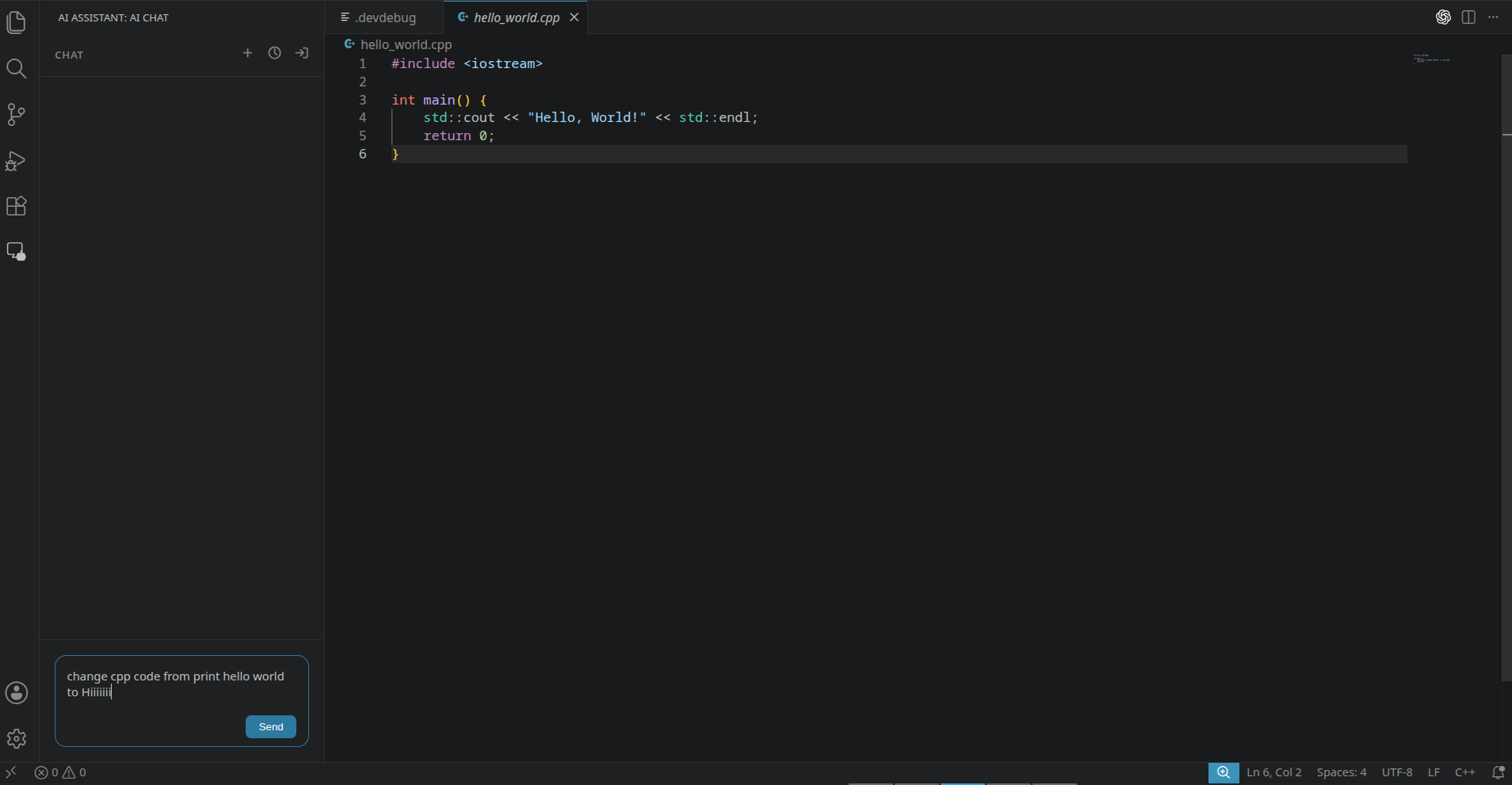
Basic agent chat: Accepts a natural-language coding request from the extension sidebar.
Editor context: Uses the currently open file as context for the agent request.
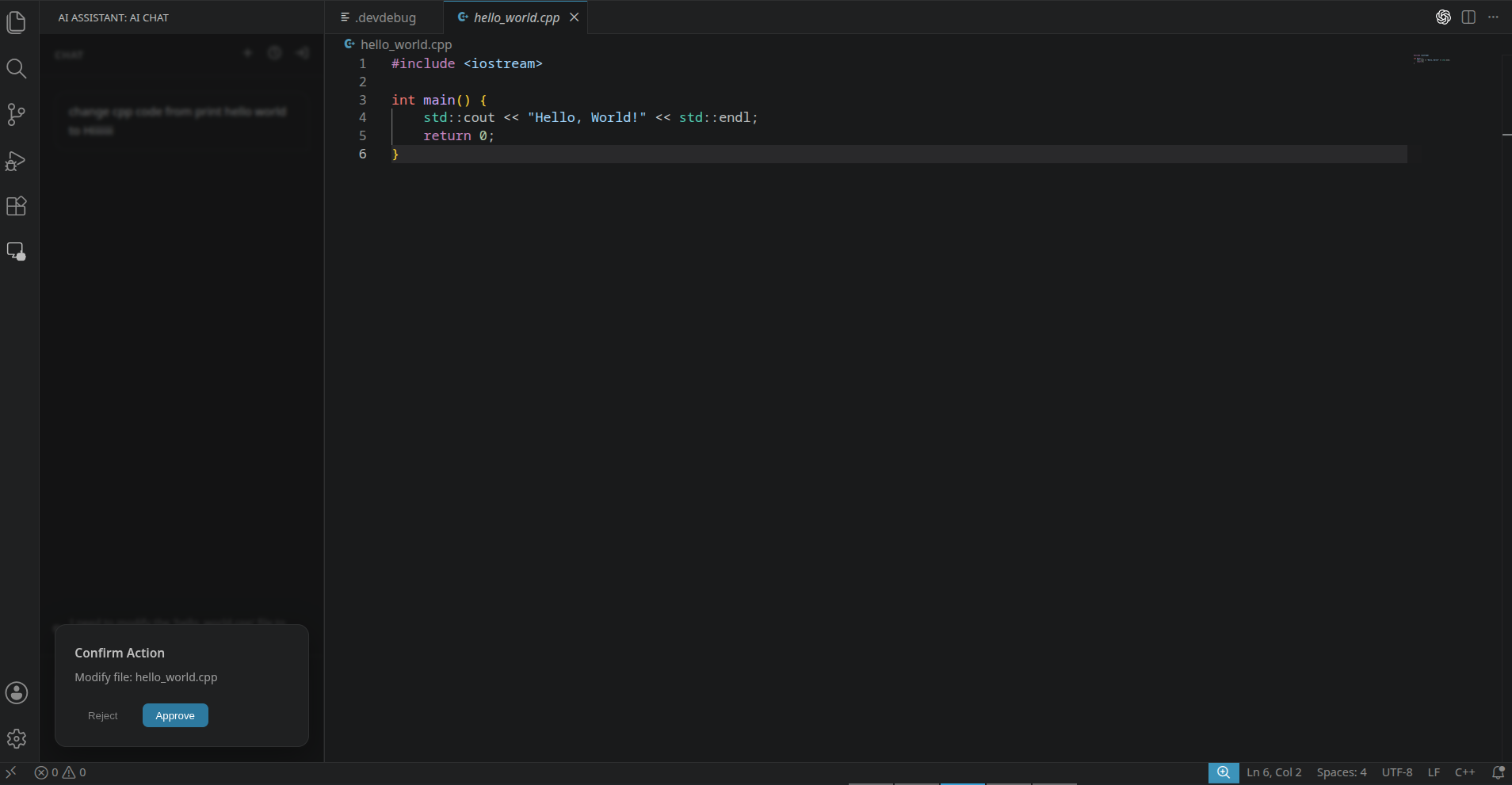
File modification flow: Generates a proposed code change and asks the user to approve it before writing to the file.
Command/action approval: Shows a confirmation step before the agent performs a workspace action.
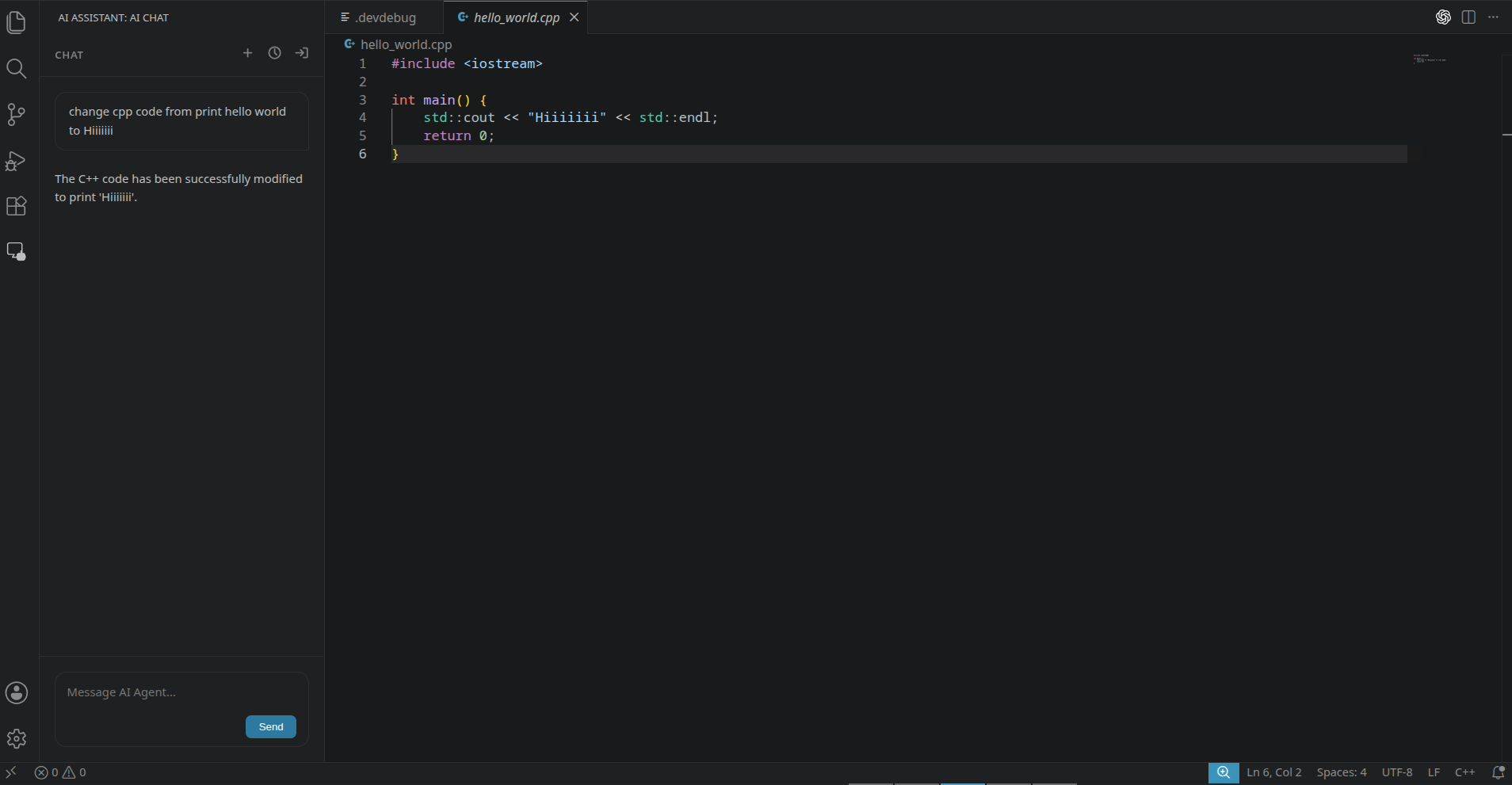
Action result feedback: Shows the completed change and a short success message in the extension panel.
Session handling: Stores the rNet session locally and refreshes tokens when needed.
Demo Screenshots
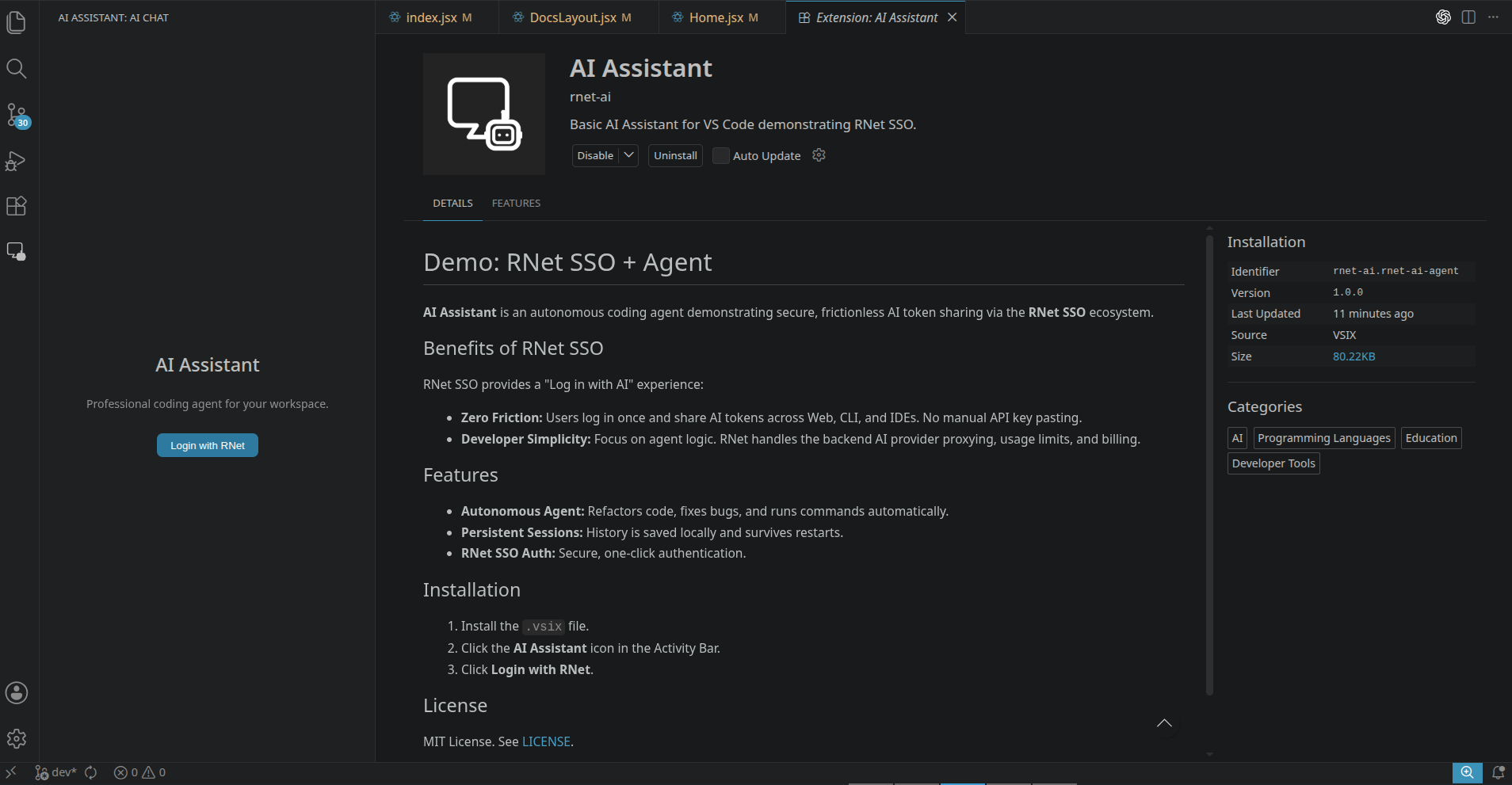
Extension entry point
The installed VS Code extension and its rNet login entry point.
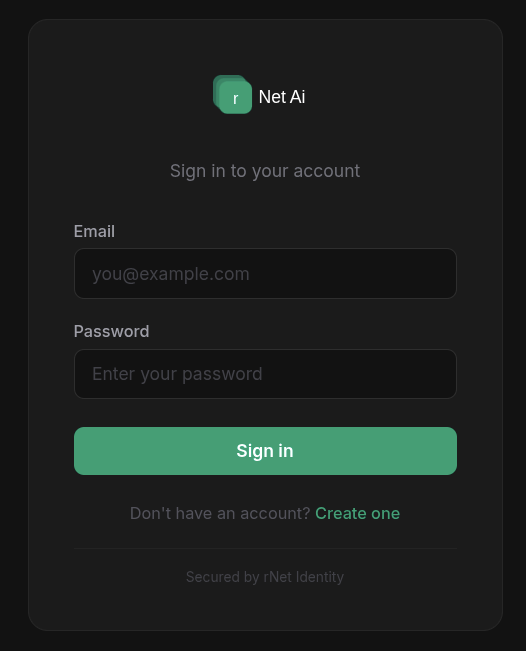
rNet sign-in flow
User signs in with rNet.
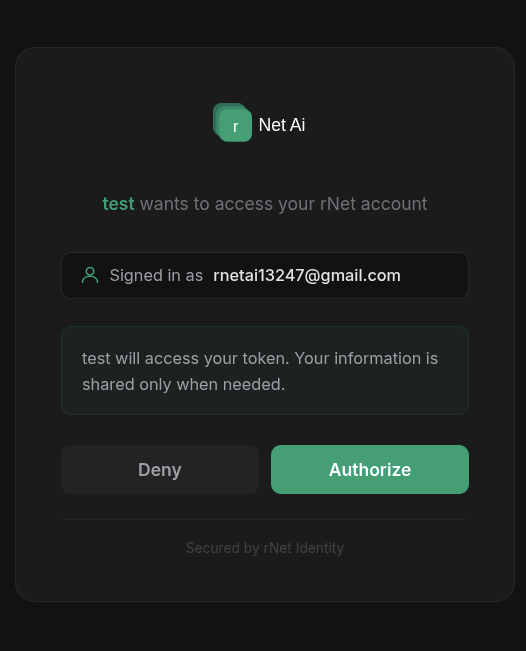
User approves the app connection.
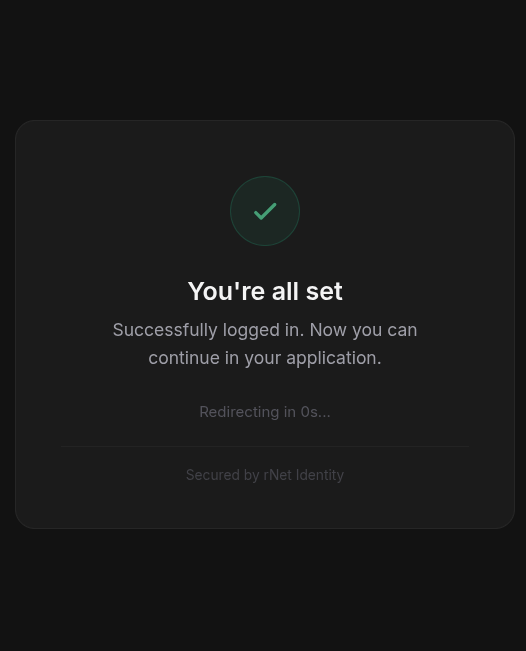
rNet returns the user to the app.
Agent workflow
The extension imports RNetOAuthClient, ModelClient, and TypeScript types from @rnet-ai/rnet-oauth-node.
The user asks the agent to change the open file.
The agent asks for confirmation before modifying code.
The approved code change is applied in the editor.