Become a developer
There is no separate developer sign-up. Every rNet account starts as a user account, and you upgrade it to a developer account to register apps.
2
Open the account menu
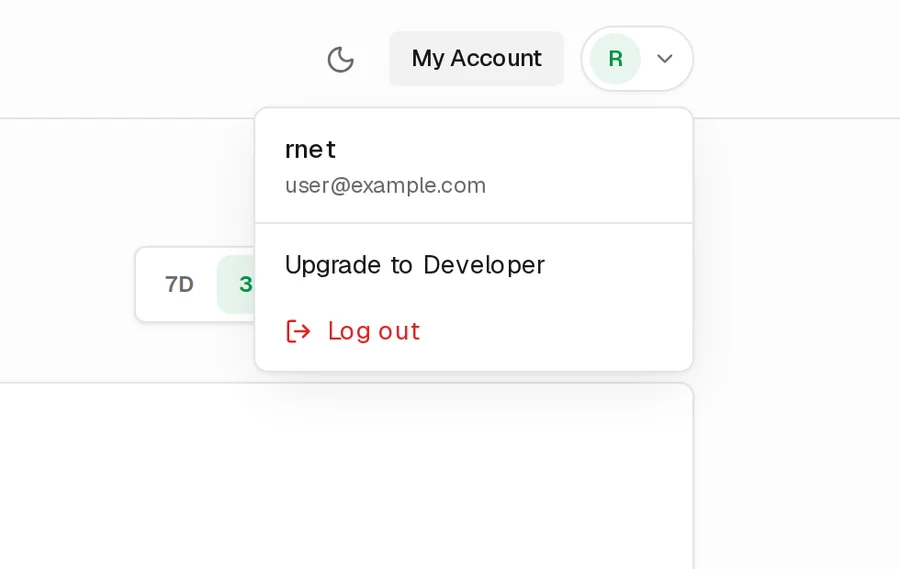
Choose your initial in the top-right corner, then choose Upgrade to Developer.
3
Confirm with your password
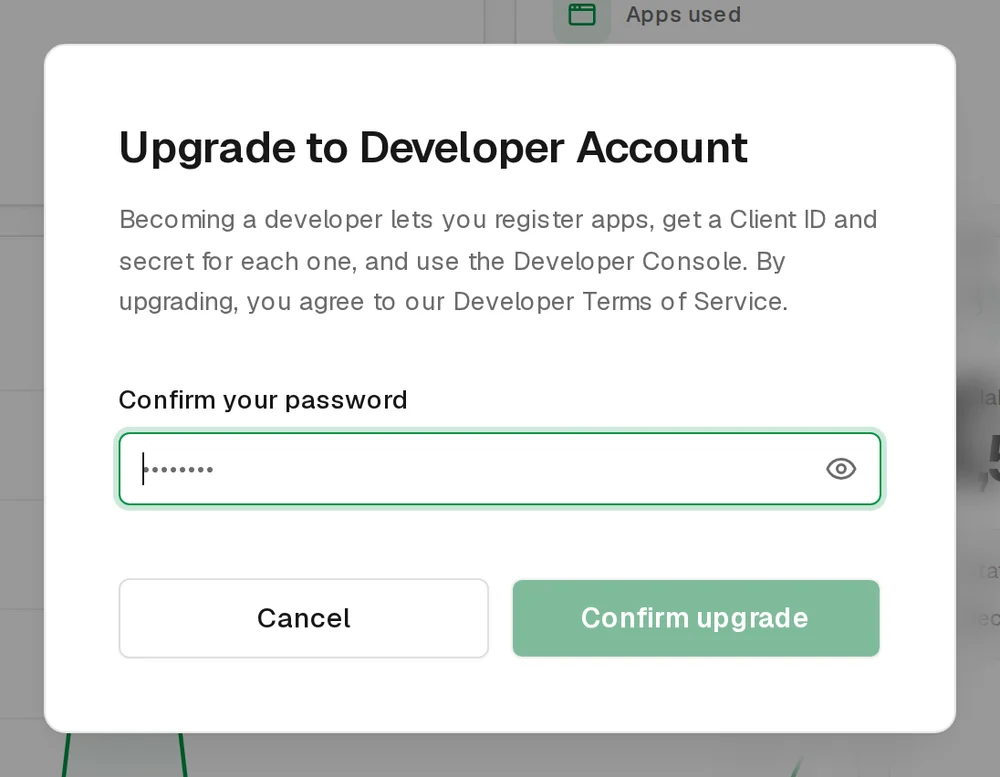
Enter your password and choose Confirm upgrade. You're taken straight to the Developer Console.
What changes
Your credits, connected apps and sign-in stay the same. You gain the Developer Console, where you can register apps and see their usage. In the header, My Account becomes Dashboard.
Next
Take a look around the Developer Console, then register your first app.