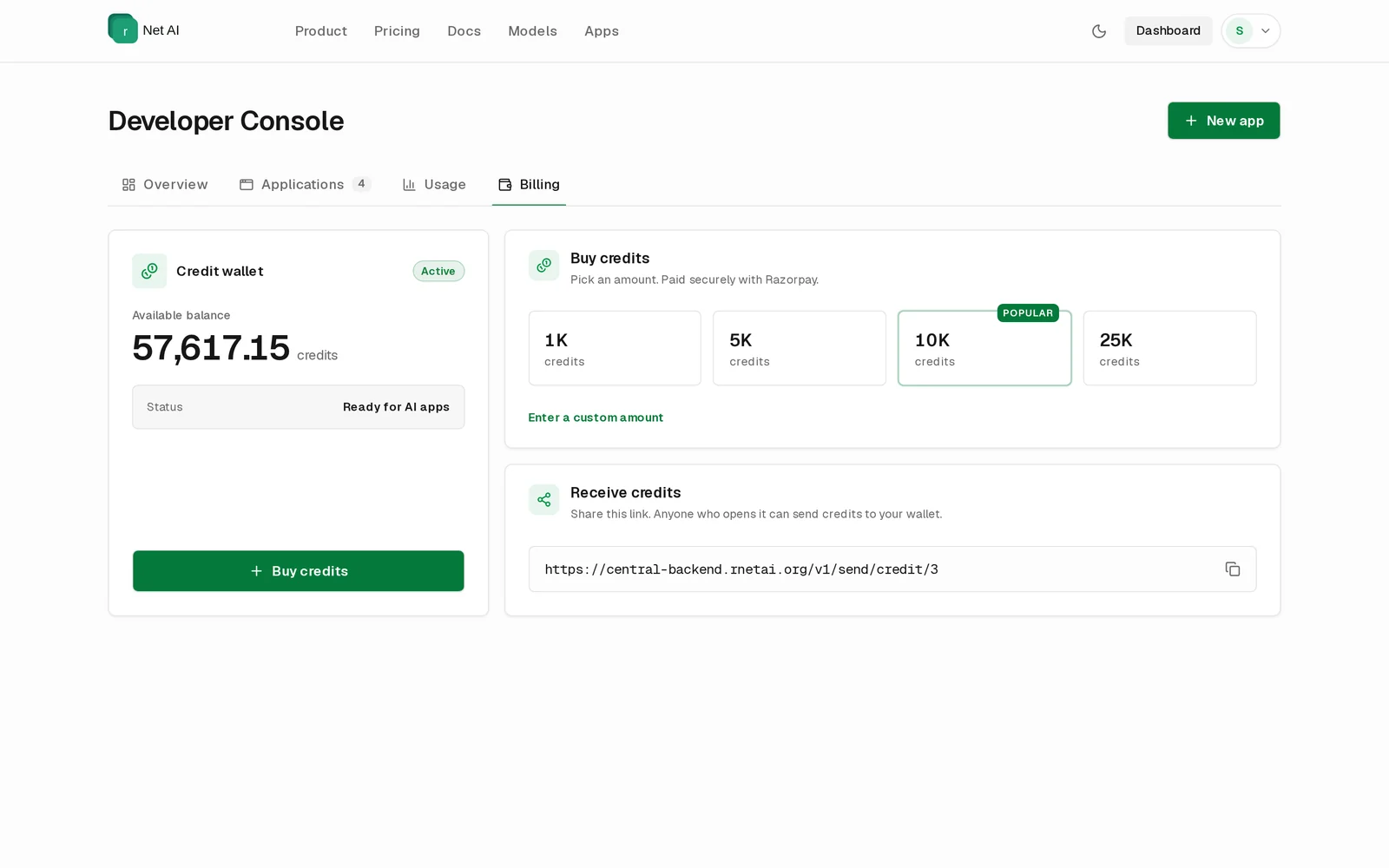

Developer Console
The Developer Console is where you register apps, copy credentials and track AI usage. Open it from Dashboard in the header, or go to rnetai.org/dashboard.
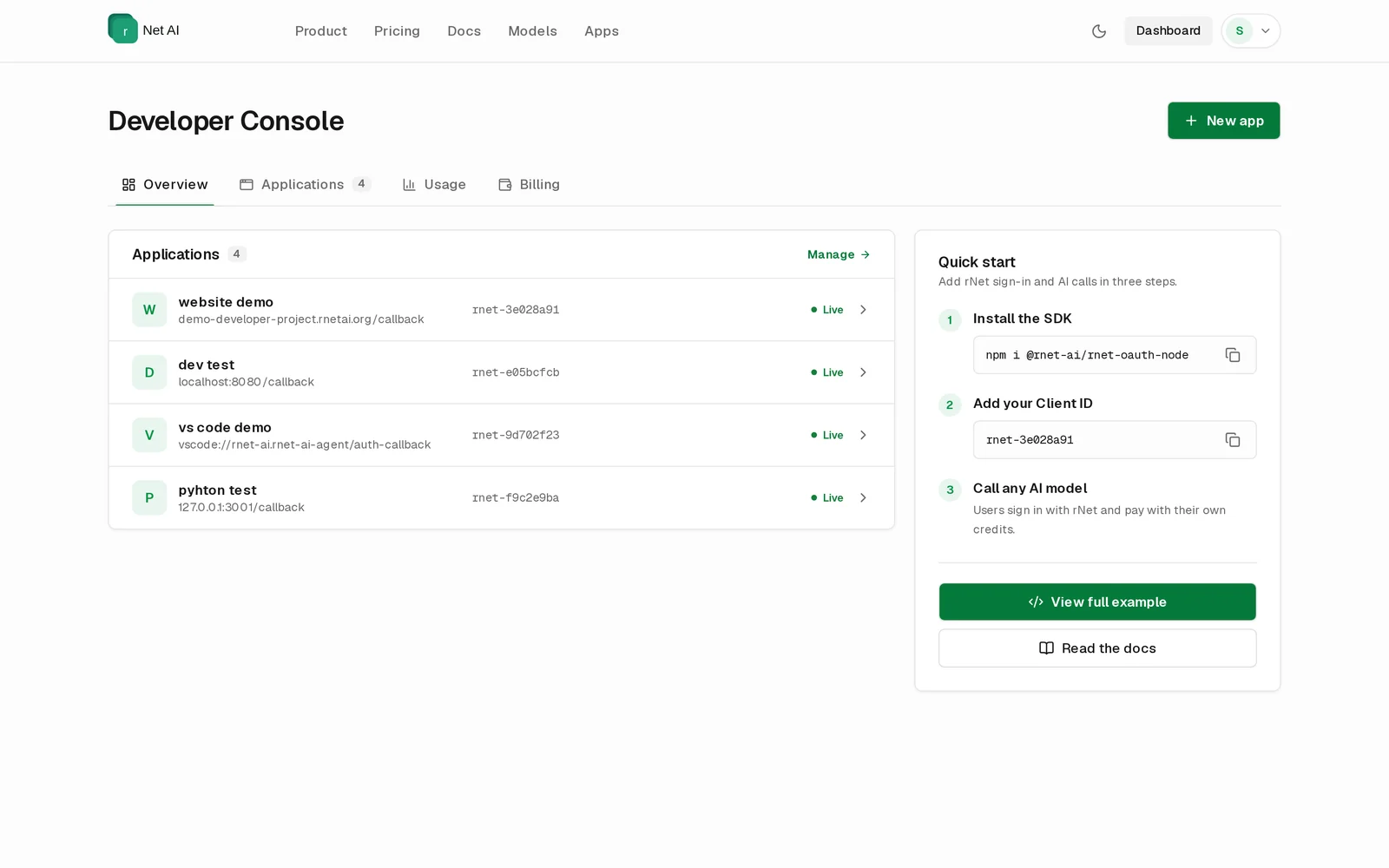
Overview
Your applications at a glance, each marked Live, plus a Quick start card with the SDK install command and your Client ID ready to copy.
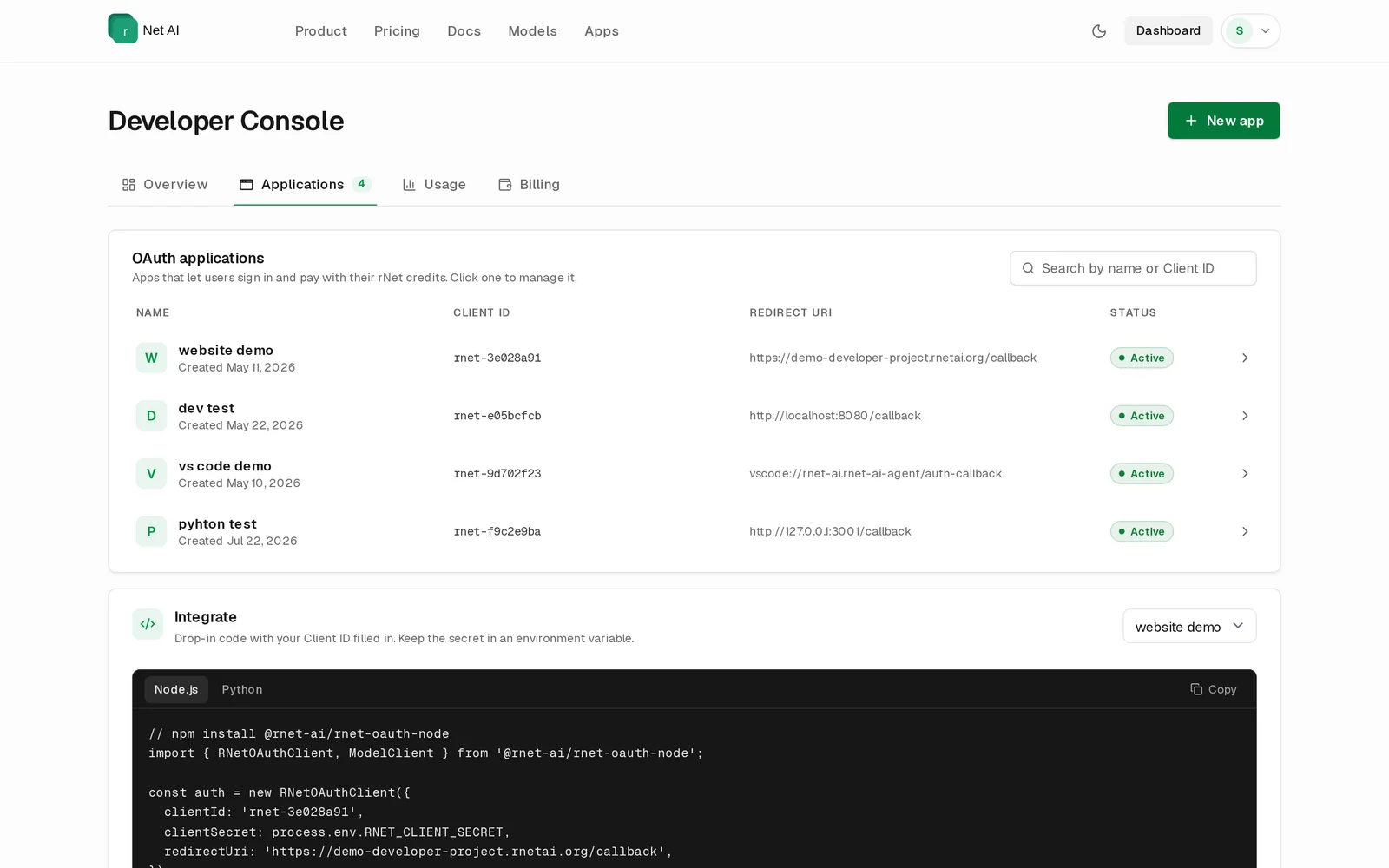
Applications
Every app you registered, with its Client ID, redirect URI and status. Search by name or Client ID, and select an app to open its Application settings. The Integrate card shows ready-to-paste Node.js and Python code with your Client ID filled in.
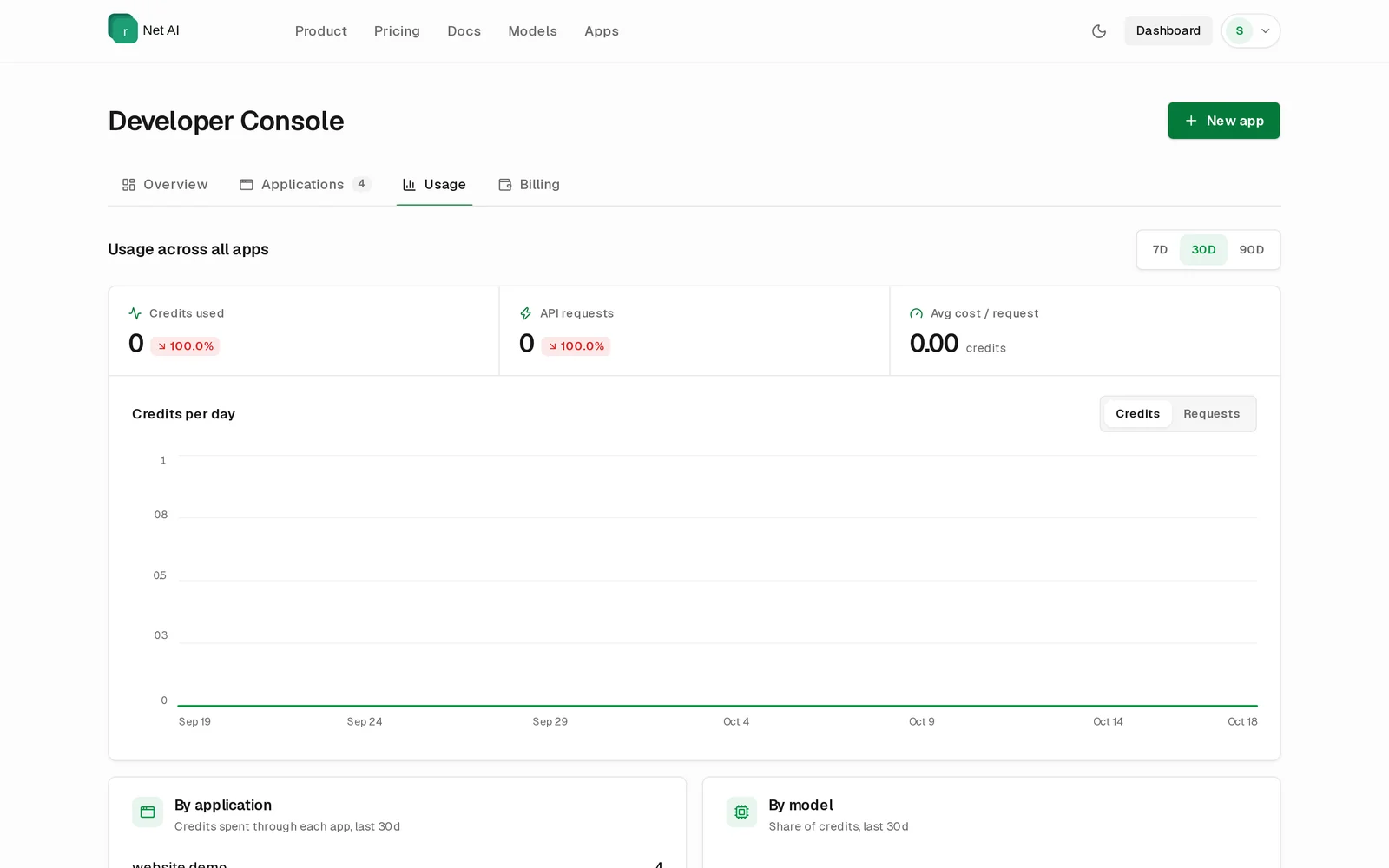
Usage
AI usage across all your apps for the last 7, 30 or 90 days:
| Metric | Meaning |
|---|---|
| Credits used | Credits your users spent through your apps. |
| API requests | Number of AI requests. |
| Avg cost / request | Average credits per request. |
| Credits per day / Requests per day | Daily chart. Switch between credits and requests. |
| By application / By model | Where usage came from. |
Billing
Your own wallet. Developers never pay for their users' AI, but you need credits to test your app with your own account. Buy credits here (paid securely with Razorpay, including the 5% service fee) or share your receive link.