

VS Code assistant
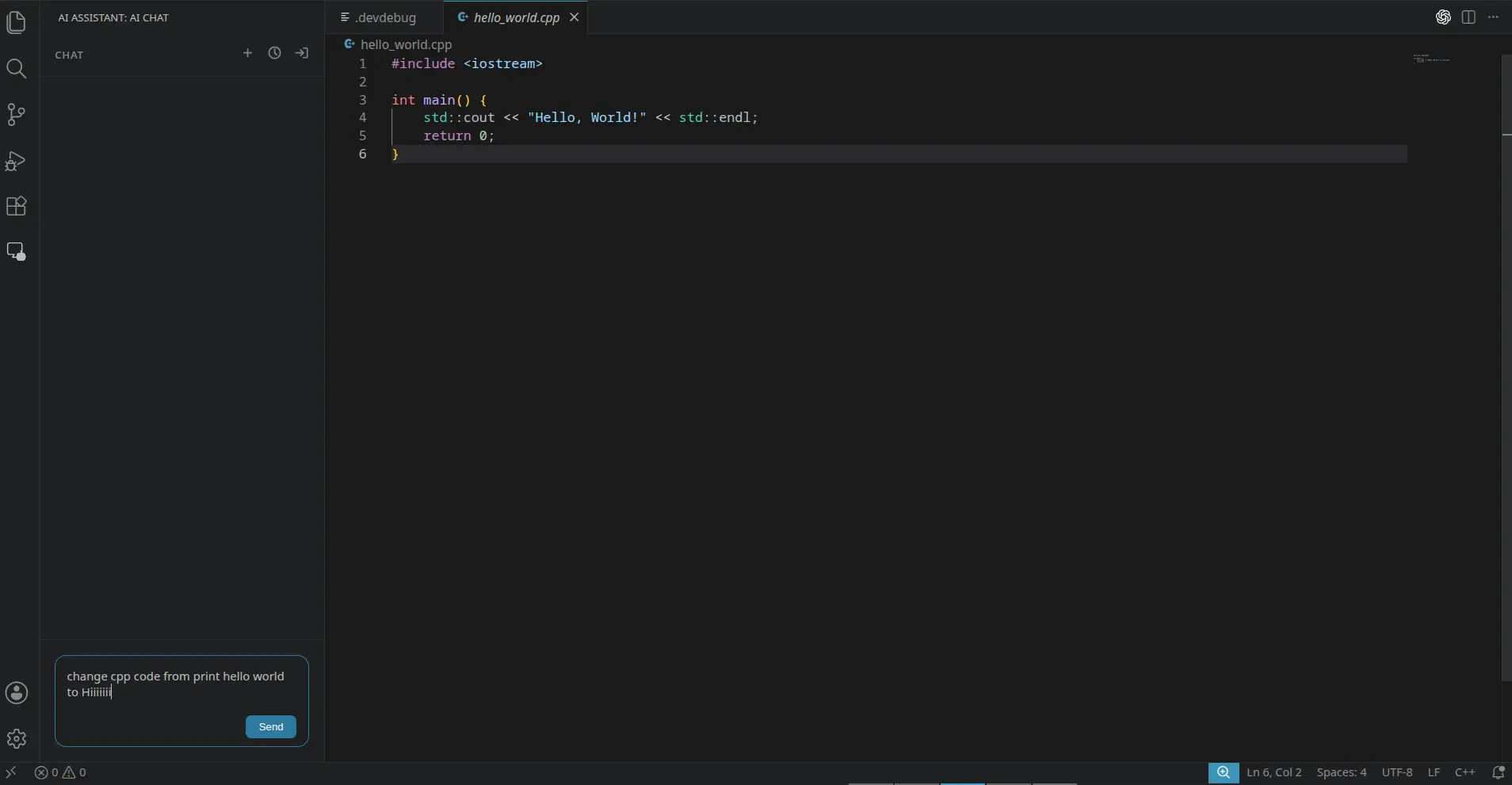
AI Assistant is a basic coding agent for VS Code. Users sign in with rNet from the sidebar, and every AI request is paid from their credits.
Source: github.com/rNetAi/ai-assistant-demo
Features
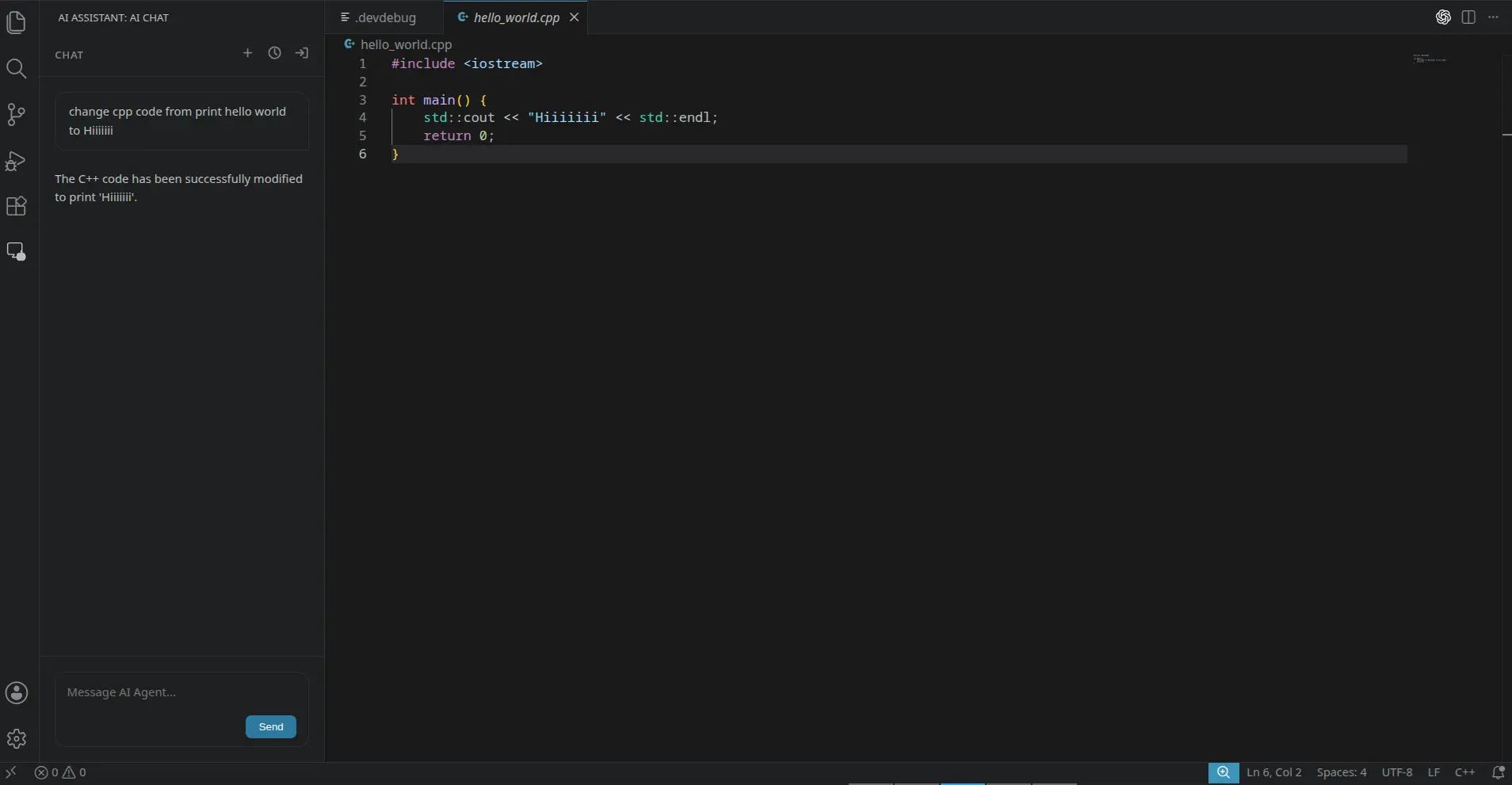
- Accepts coding requests in natural language from the sidebar.
- Reads the relevant workspace state before asking the model for the next step.
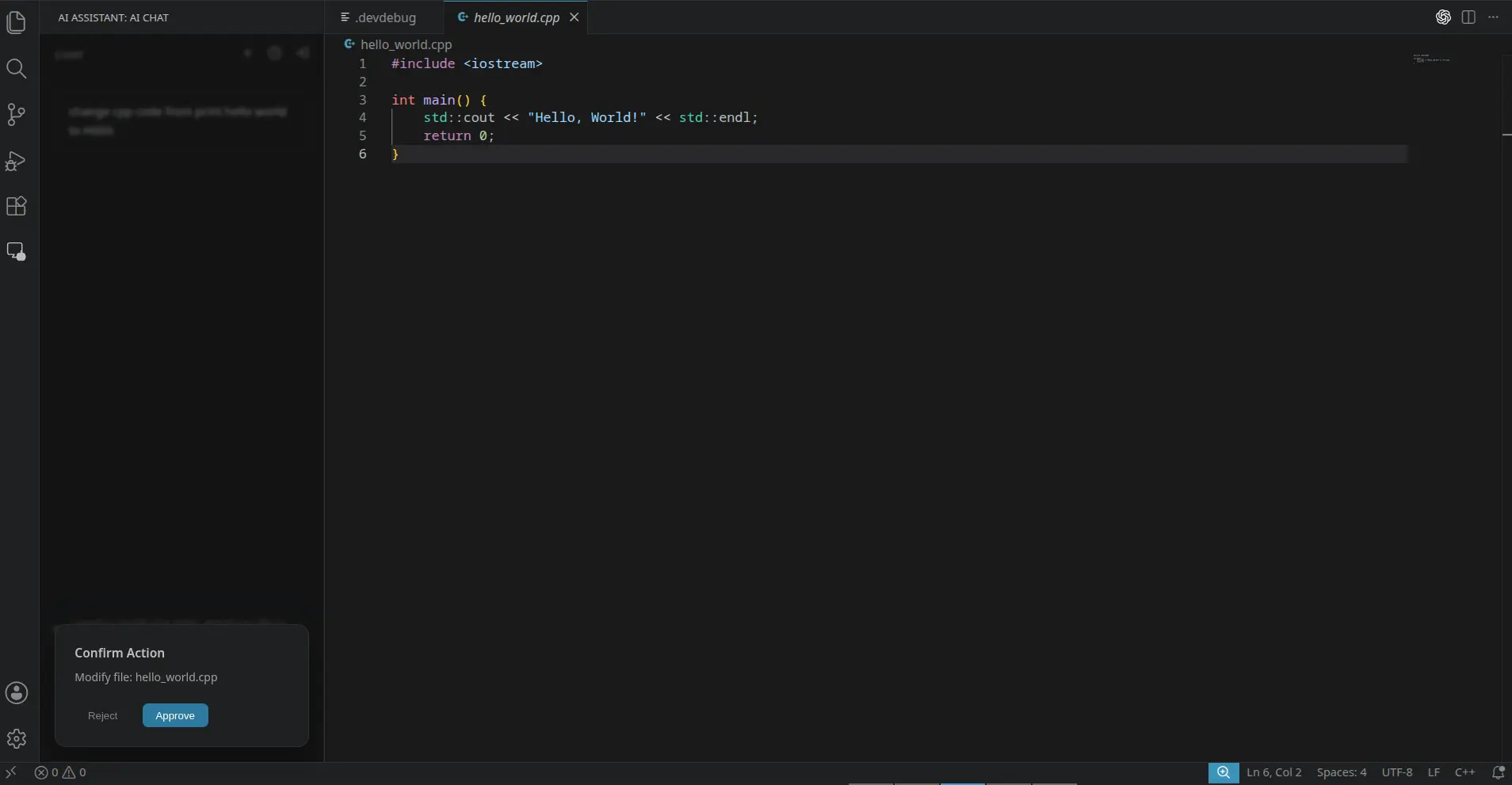
- Asks for approval before writing files or running commands.
- Saves chat history locally and refreshes rNet tokens when needed.
Run it
You need Node.js, VS Code 1.85 or newer and an rNet developer account.
1
Register an app
In the Developer Console, register an app with this redirect URI:
text
vscode://rnet-ai.rnet-ai-agent/auth-callback
2
Configure and build
bash
git clone https://github.com/rNetAi/ai-assistant-demo
cd ai-assistant-demo
printf "RNET_CLIENT_ID=your_client_id\nRNET_CLIENT_SECRET=your_client_secret\n" > .env
npm install
npm run build
npm run package   # creates a .vsix file
3
Install and sign in
In VS Code run Extensions: Install from VSIX… and pick the file. Open AI Assistant in the Activity Bar, sign in with rNet and approve the consent screen.
Custom URI scheme
Desktop and editor apps can use a custom scheme like
vscode:// as their redirect URI. It must match the registered value exactly.