

Using rNet in apps
Apps that support rNet show a Connect with rNet button. Use it to pay for the app's AI features with your credits, without a separate subscription.
Connect an app
- In the app, choose Connect with rNet.
- Sign in to rNet if you aren't already.
- Review what the app asks for and choose Allow (or Cancel to go back).
- You're sent back to the app, ready to go.
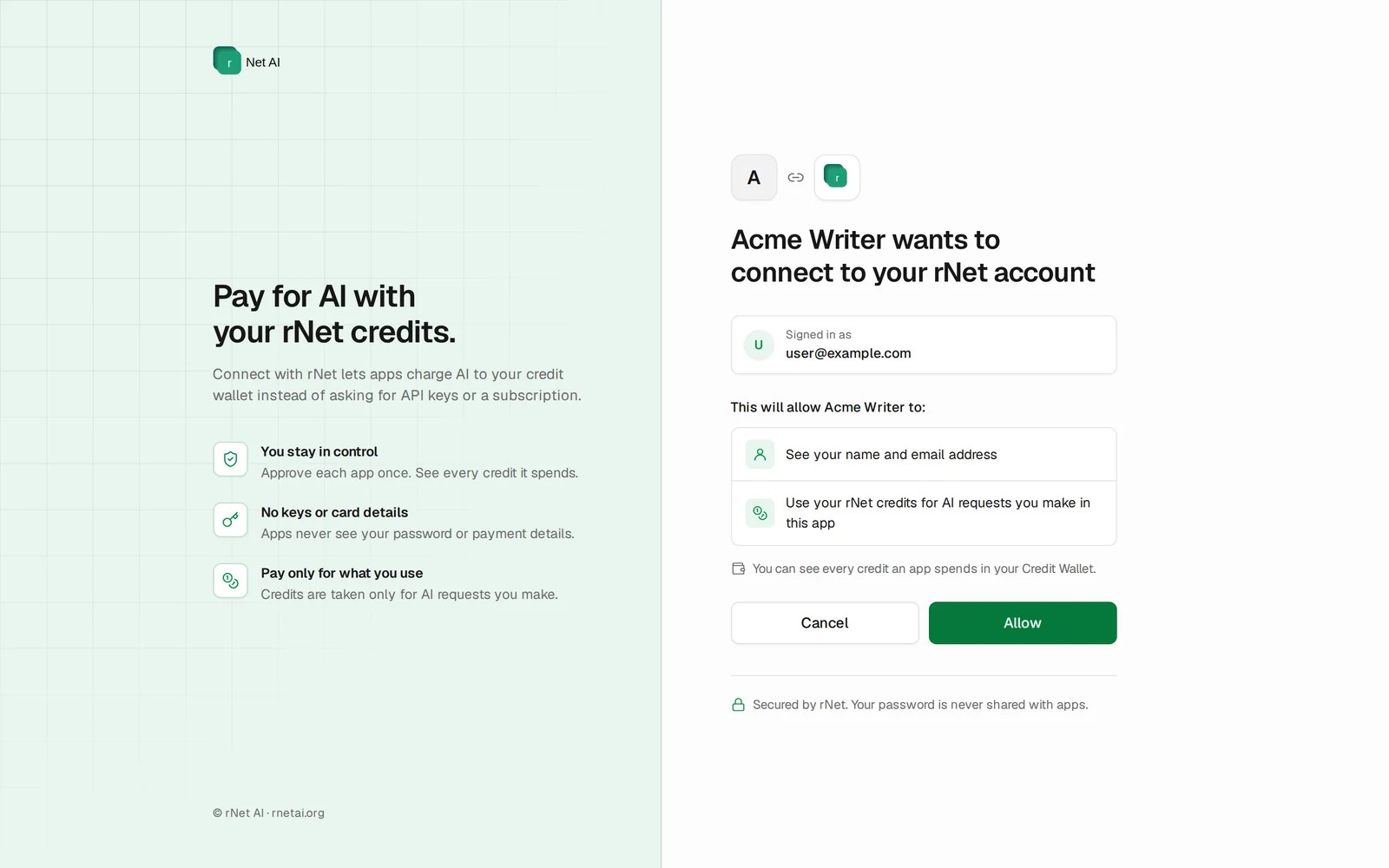
What an app can see and do
- See your name and email so it can show who is signed in.
- Use your rNet credits for AI requests you make in that app.
Apps never see your password or payment details, and you never paste API keys into them. Every credit an app spends appears in your Credit Wallet under Usage by app.
Choosing Cancel
If you choose Cancel, the app gets nothing and you return to it without being signed in.
Find apps
See the apps that run on rNet credits, or choose Browse apps in your Credit Wallet.