

Your rNet account
One rNet account holds your credits and works in every app that offers Connect with rNet.
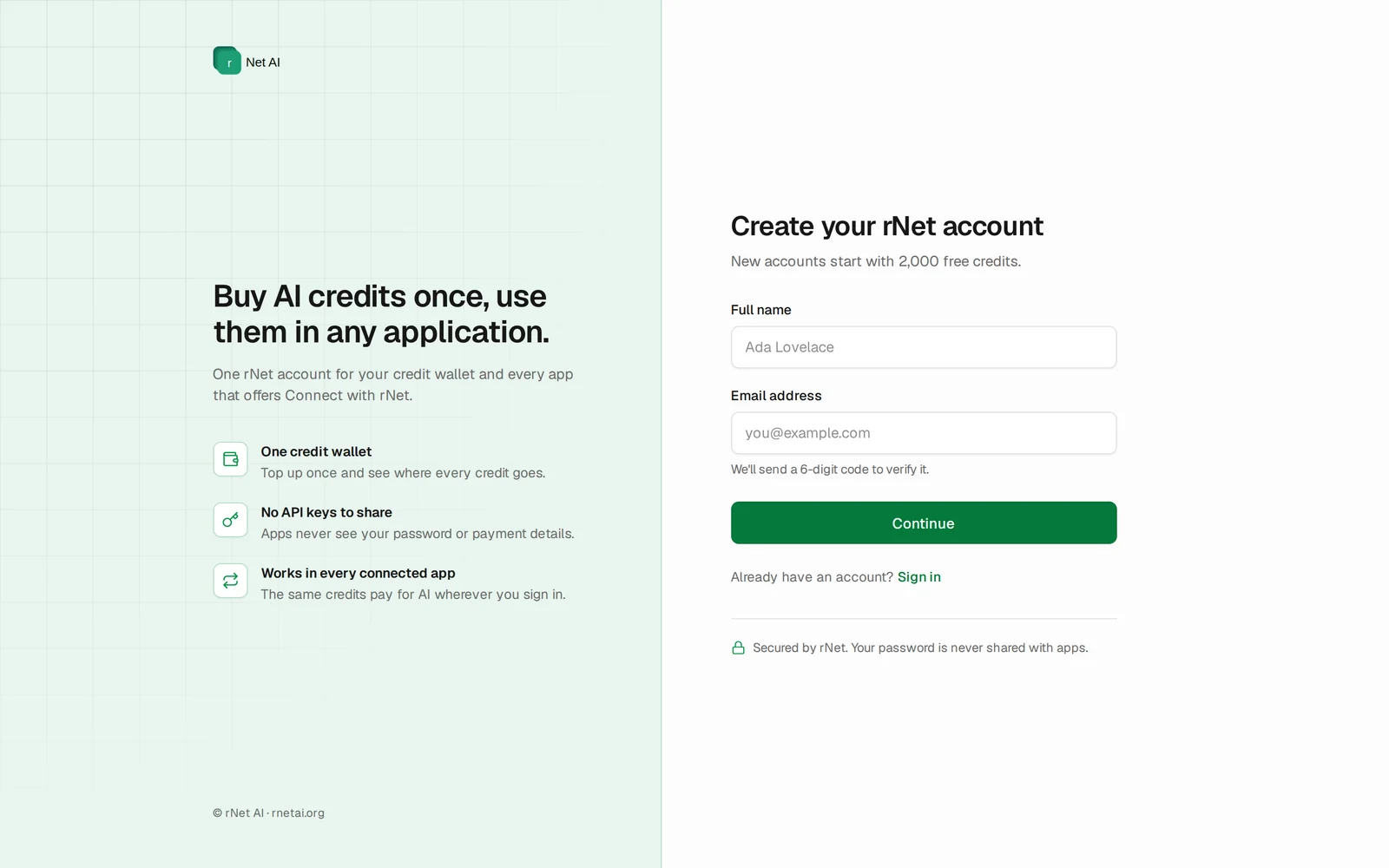
Create an account
1
Enter your details
Go to Create account and enter your full name, email address and a password of at least 8 characters.
2
Verify your email
We email you a 6-digit code. Enter it on the Verify your email page and choose Verify and create account. Didn't get it? Use Resend code.
3
Start with free credits
New accounts start with 2,000 credits, so you can try connected apps right away.
Signing up inside an app
If an app sends you to rNet before you have an account, choose Create one on the sign-in screen. You get the same account.
Sign in
Sign in on rnetai.org/login with your email and password. Users land on their Credit Wallet; developers land on the Developer Console.
Reset your password
- On the sign-in page, choose Forgot password?
- Enter your account email and choose Send reset link.
- Open the link in the email and choose a new password. Reset links can only be used once and expire after a short time.
Sign out
Open the account menu (your initial in the top-right corner) and choose Log out. Apps you connected keep working until their own session ends; see Using rNet in apps.